Q4 Planning Season: How to Turn a Messy Backlog Into a Roadmap Slide Execs Actually Approve
It's September, which means someone senior just asked for "the Q4 plan on a slide." Here's how to get from a 200-item backlog to the one-pager that gets approved — without spending your evening drawing rectangles.
It's the first week of September, which means somewhere in your calendar a meeting has appeared with a name like "Q4 Planning Review," and somewhere in your inbox is the request that comes with it: "Can you get the Q4 plan on a slide by Thursday?"
Not the backlog. Not the Jira board. A slide. And the gap between the two is where PMs lose their evenings every September. Your backlog has two hundred items with owners, estimates, and dependency links. The slide needs maybe twelve. The skill being tested in that review isn't planning — it's compression. Here's how to do the compression well, and then how to make the slide itself a ten-minute job instead of a two-hour one.
Why Q4 plans get rejected
Sit through enough quarterly reviews and you see the same three failure modes on repeat.
The plan is a list, not a sequence. Twenty bullet points of Q4 work tells leadership nothing about what happens when item four slips. Execs aren't approving tasks; they're approving a shape — what lands early, what lands late, what depends on what. A list has no shape.
The plan is suspiciously full. A Q4 plan with every week accounted for is a plan nobody believes, because everyone in the room has seen a Q4 before. Holidays compress the quarter: between Thanksgiving and the end-of-year freeze, you have maybe ten real delivery weeks, not thirteen. A roadmap that ignores that reads as either naive or dishonest, and both get you the same follow-up meeting.
The plan hides the decision. Every Q4 review is secretly a trade-off conversation — ship the migration or the feature, not both. If your slide doesn't make the trade-off visible, the room will invent its own version of it, and you'll spend the meeting reacting instead of steering.
The compression: backlog → six-ish blocks
Before you touch any tool, do this on paper or in a blank doc. It takes twenty minutes.
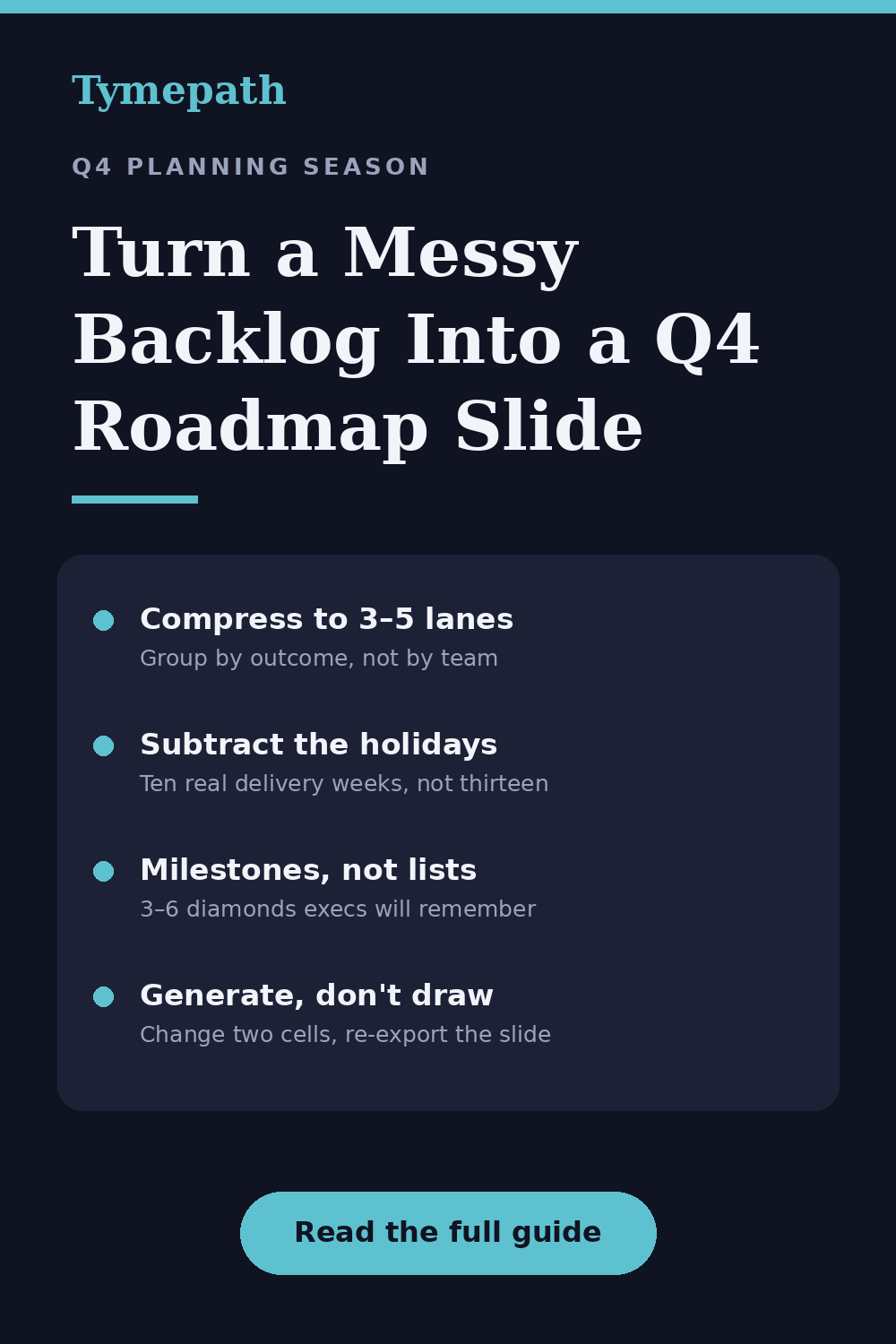
- Group by outcome, not by team. Collapse the backlog into three to five workstreams named for what they achieve — "Billing replatform," "Enterprise launch," "Support automation" — not who does them. Leadership allocates by outcome.
- Give every workstream real dates — then subtract the holidays. Draft your sequences, then check them against the actual calendar: what has to be code-complete before the freeze? What can't start until January and should honestly say so? Moving a risky item to Q1 on the slide, on purpose, reads as competence, not weakness.
- Mark the moments that matter as milestones. A go/no-go, a launch date, a contract renewal, the freeze itself. Three to six diamonds, no more. Milestones are the things execs will actually remember from your slide.
- Leave one visible gap. Deliberate whitespace — a buffer week before the freeze, an unallocated lane in December — is the single strongest credibility signal a Q4 roadmap can carry.
You now have something a leadership team can approve: a handful of dated blocks, a few diamonds, one honest gap.
The slide: stop drawing it by hand
Here's where the evening usually goes: you open PowerPoint and start drawing rectangles. Then a date changes before Thursday — a date always changes before Thursday — and you're nudging rectangles again at 11 p.m.
The whole reason we built Tymepath is that this step should be mechanical. The loop looks like this:
Import what you already have. Paste your compressed task list, or upload the CSV or Excel export straight from your PM tool — Tymepath reads the columns and turns each row into a dated block. (It ingests PDFs too, if the plan currently lives in one.)
Pick the roadmap view. Tymepath has 17 visualization styles; for a Q4 review you want the quarterly roadmap — workstreams as rows, initiatives as blocks, milestones as markers. You enter real dates, and the quarter view rounds the display so the slide stays executive-height while the underlying plan keeps day-level truth. Delivery teams can get the detailed Gantt view of the same data later, no separate file.
Edit in the table, not on the canvas. Each block is a row — name, start, end, group, milestone flag — in an editable table beside the slide. When the migration slips two weeks in Wednesday's pre-read feedback, you change two cells and the slide redraws. No rectangles were harmed.
Export into the deck. PNG, PDF, or a native PowerPoint slide that drops straight into the review deck. After the meeting, when dates move again (they will), you update the table and re-export — the roadmap stays a living document instead of a screenshot that's wrong by October.
All of that is on the free tier, no credit card. If you're rolling several teams' Q4 plans into one program view for a steering committee, or you want the AI to take a genuinely messy pasted list and lay out the first draft of the timeline for you, that's Pro — but a single team's Q4 roadmap slide is squarely a free-tier job.
A shape that works, if you're staring at a blank page
For a typical product team, the Q4 slide that gets approved tends to look like: three lanes (one platform investment, one revenue-facing launch, one operational improvement), five or six blocks total, milestones on the launch date and the go/no-go, everything visibly ending before December 18, and one lane that clearly says "starts Q1." Adapt the nouns; keep the restraint.
If you'd rather not start from blank at all, the template gallery has an executive quarterly roadmap and a program rollup pre-loaded with sample tasks — swap in your own and export.
The 10-second version
Q4 planning is a compression exercise: three to five outcome-named workstreams, real dates minus the holidays, a few milestones, one honest gap. Do the thinking on paper, then let the slide be generated instead of drawn — because the plan will change between now and Thursday, and your evening is worth more than rectangle alignment.
Try Tymepath free
Turn your Q4 task list into an executive-ready roadmap slide in minutes. Free tier, no credit card required.
Try Tymepath free