The Project Status Report Executives Actually Read (It's Mostly One Slide)
Ask your sponsor what was in last week's status report — not whether they got it, what was in it. Here's the five-lines-and-one-slide format that survives a leadership inbox, and the ten-minute Friday loop behind it.
Here's an uncomfortable experiment: ask your sponsor what was in last week's status report. Not whether they got it — what was in it. Most PMs already know how that conversation goes, which is why "status report nobody reads" is one of the oldest complaints in the profession. We write them because governance requires them, stakeholders skim them because their inbox requires that, and the one week something urgent is buried in paragraph four is the week everyone agrees the report "should have flagged it."
The fix isn't writing better paragraphs. It's accepting what a status report is actually for — and letting one picture do the part that prose does badly.
What executives actually do with a status report
Watch a sponsor read a status update and the behavior is consistent: they're not reading, they're scanning for exceptions. The questions in their head are brutally simple. Are we still landing when you said? Has anything changed since last week? Is there a decision with my name on it? That's the whole list. Every sentence that doesn't answer one of those three is, from their side of the table, packaging.
This is why the classic long-form report fails structurally, not stylistically. It's organized around completeness — accomplishments, upcoming activities, risks, issues, dependencies — when the reader is organized around change. A report that's 90% identical to last week's is, to an exec, a report that should have been one line long.
The format: five lines and a slide
The status report that survives contact with a leadership inbox looks like this:
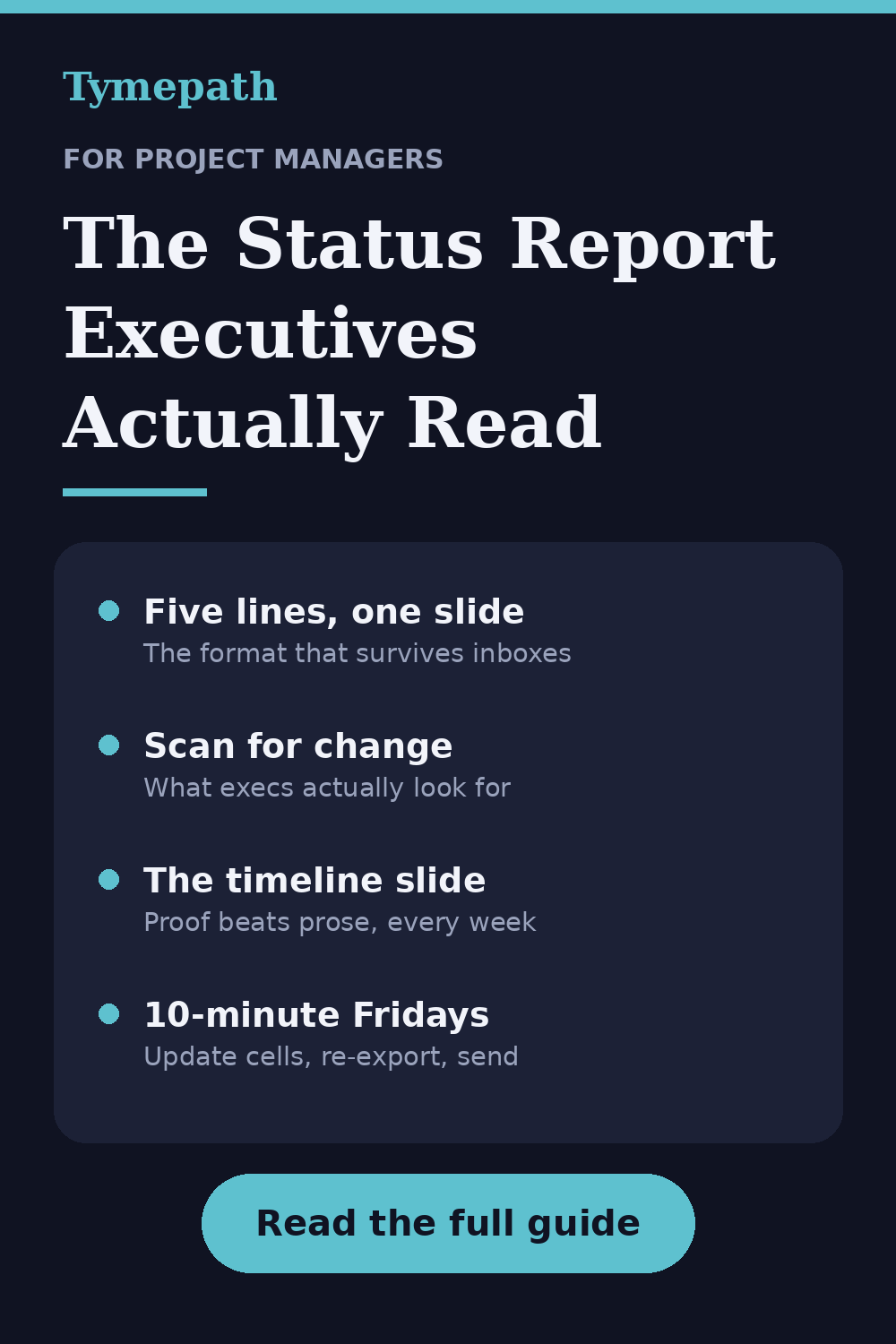
- The headline, dates first: "On track for Dec 2 launch" — or "new: launch moves to Dec 16, decision needed below." Status, date, and whether anything moved. If you write nothing else, write this.
- What changed this week. Not what happened — what changed: a date, a scope call, a risk that got real or got retired. If nothing changed, say "no changes," and enjoy being the most trusted PM in the building.
- The top risk, named plainly. One risk, the binding one, with what you're doing about it. Three risks read as noise; one reads as judgment.
- The ask. The decision or unblock you need, with a name and a date on it. If there's no ask, say so — it tells the reader they can stop here.
- The link to the detail, for the two people who genuinely want it.
And then the part that carries more information than all five lines combined: the timeline slide.
Why the timeline slide is the actual report
Words describe status; a timeline shows it. "Integration testing is running one week behind but launch is protected" is a sentence a reader has to trust. The same fact on a timeline — the testing bar nudged right, the launch milestone visibly not moving, the buffer visibly thinner — is something they can verify in three seconds, which is the difference between being believed and being skimmed. The milestones that haven't moved are doing silent work in every update: they're the proof your dates mean something.
The reason most PMs don't do this weekly is entirely practical: redrawing a timeline in PowerPoint every Friday is miserable, so the deck timeline gets updated monthly at best, and by week three it quietly disagrees with reality. The report says one thing, the slide says another, and the exec trusts neither.
The ten-minute Friday loop
This is exactly the gap Tymepath exists to close. Your plan lives as a task list — rows with a name, start, end, workstream, and a milestone flag — in an editable table that sits next to the rendered slide. The Friday routine looks like this:
First, update what moved. Testing slipped four days? Change the end date in the table; the slide redraws with date-true spacing — the slip shown is exactly the slip, not a rectangle nudged "about a week" by eye. Most weeks this is two or three cells.
Second, let the view match the reader. The same task list renders in any of 17 styles, so the weekly exec update can be the clean milestone roadmap while the delivery team's version of the same data stays a detailed Gantt. One source of truth, two audiences, zero "which file is current" archaeology.
Third, export and send. PNG dropped straight into the email or Slack update, or a PowerPoint slide into the steering deck — both straight exports. The five lines take five minutes to write because the thinking is already visible in the picture; you're captioning it, not reconstructing it.
If the plan started life as a spreadsheet, you don't even retype it: upload the CSV or Excel file and each row becomes a dated block. All of this — the table, the styles, the PNG/PDF/PowerPoint export — is on the free tier, no credit card. A weekly status slide for one project is squarely a free-tier job.
The cadence rules that make it stick
Three habits turn the format into a reputation. Same day, same shape, every week — predictability is what trains execs to actually open it, because they learn it costs them twenty seconds. Never let the slide and the words disagree — the slide is generated from the plan, so update the plan first and this takes care of itself. And when a date moves, move it in the report the week your forecast moves, not the week it becomes undeniable — a slip flagged early with a recovery plan reads as control; the same slip flagged late reads as a surprise you sat on.
The 10-second version
Executives don't read status reports; they scan them for change. Give them five lines — headline, what changed, top risk, the ask, a link — and one timeline slide generated from the live plan, so the picture is always current and the dates are always honest. Ten minutes on a Friday, and your report becomes the one update leadership actually opens.
If the weekly slide needs to exist by this Friday, the template gallery has an executive roadmap and a full Gantt pre-loaded with sample tasks — swap in your own, pick the style for your audience, and export to PowerPoint, PNG or PDF.
Try Tymepath free
Turn your task list into an executive-ready status slide in minutes. Free tier, no credit card required.
Try Tymepath free