Planning Around the Year-End Code Freeze: What Actually Ships Before January
The freeze starts earlier than your roadmap thinks. How to find your real freeze dates, count backwards from them, and put the constraint on the slide itself.
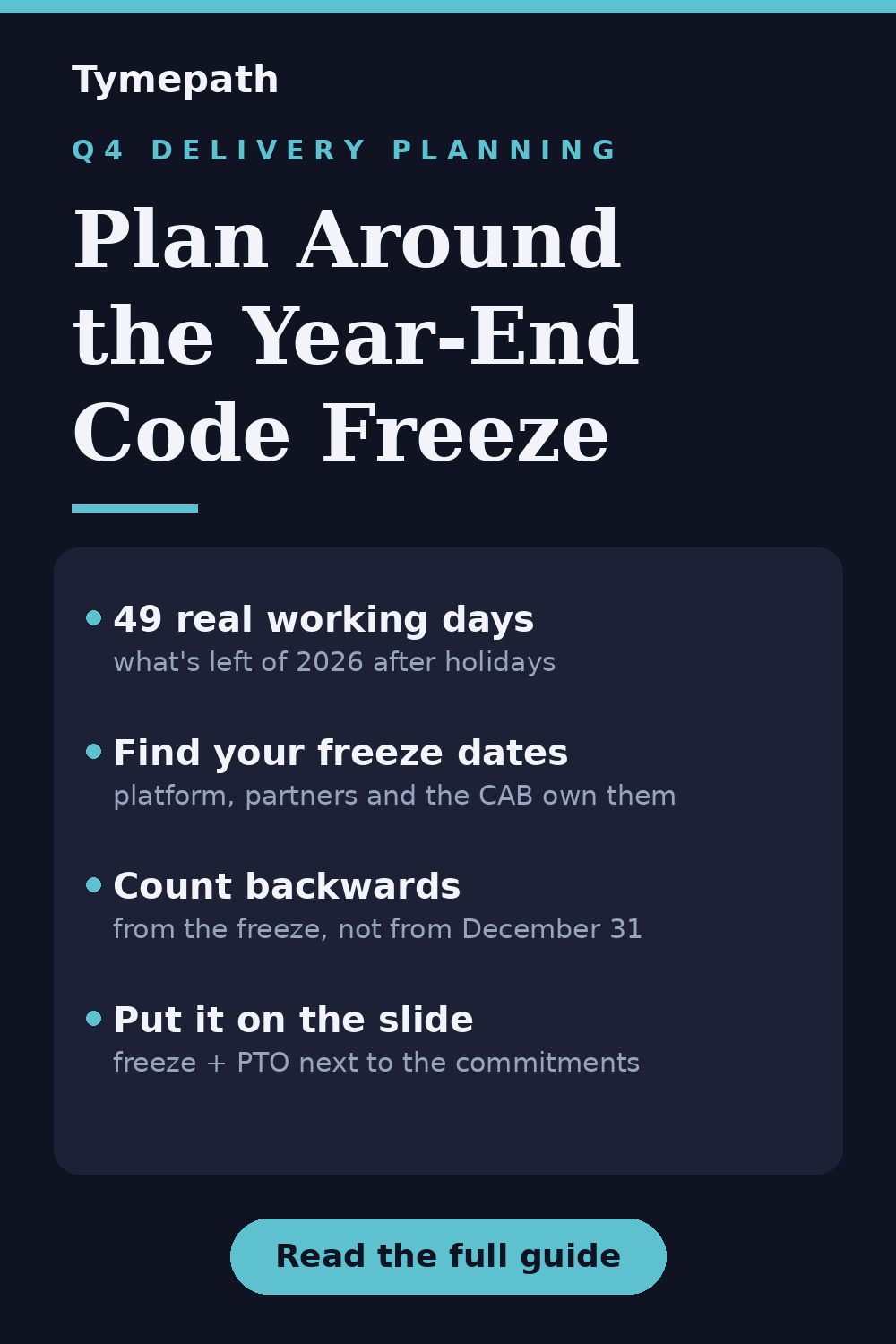
It is mid-October, which means every delivery conversation for the rest of the year is secretly a negotiation with the calendar. Between today and December 31 there are 54 weekdays. Take out Thanksgiving week's two holidays and the days most companies close around Christmas and New Year's Eve, and you are down to roughly 49. Layer on the PTO your team has been saving all year and a change freeze that probably starts earlier than you think, and "we'll ship it this year" starts to mean something much more specific than it sounds in a planning meeting.
This guide is about making that math visible — to your team, and more importantly to the executives who still have "by end of year" written next to three initiatives.
Why Q4 is shorter than the calendar says
Most engineering organizations stop or restrict production changes at some point in Q4. The Pragmatic Engineer newsletter surveyed how companies handle this: Meta runs company-wide restricted periods starting in November, Uber freezes before Thanksgiving and again from mid-December to early January, and Google typically freezes from mid-December into the new year. E-commerce and retail companies freeze around Black Friday because it is the biggest revenue period of the year and nobody wants to debug a deploy during it. Even companies with no formal policy get an effective freeze in late December simply because the people who could fix a bad release are on a beach, or at least not checking Slack.
The reasons are consistent: peak traffic makes outages more expensive, reduced staffing makes them slower to fix, and people rest better when they know production is not shifting underneath them.
None of this is a problem. The problem is that freezes rarely appear on the project plan. The roadmap slide shows a bar ending December 18, and everyone nods, and nobody says out loud that the change advisory board stops approving releases on December 11.
Step 1: Find your real freeze dates
Before you re-plan anything, collect the actual constraints. They live in different places:
- Your own platform or infrastructure team. If there is a formal change freeze, they own the dates. Ask now — these get announced in November and backdated into everyone's plans.
- Your change advisory board or release calendar. Regulated industries often restrict changes for year-end financial close, separate from any engineering freeze.
- Your customers and partners. If you ship B2B software, your release can be ready while your customer's own freeze blocks the rollout. Retail-facing partners often lock down from mid-November.
- The unofficial freeze. Look at the team's PTO calendar for the weeks of December 21 and 28. There are only nine weekdays in that stretch, and if half the team is out, those are not shipping days regardless of policy.
Write down three dates: the last day you can deploy to production, the last day a customer will accept a change, and the first realistic working day in January. For many teams in 2026 those will land around December 11, December 18, and January 4.
Step 2: Count backwards, not forwards
Forward planning says: we have ten weeks, the work takes eight, we're fine. Backward planning says: the freeze starts December 11, UAT needs two weeks before that, the test environment needs the build a week before that — so the real deadline for feature-complete is November 20. That is five working weeks away, minus Thanksgiving.
Do this for every "end of year" commitment:
- Anchor on the freeze date, not December 31.
- Subtract the verification steps that always happen but never appear on roadmaps: UAT, security review, release notes, the staged rollout.
- Mark anything that lands after your feature-complete date as "ships in January" — now, in October, while there is still time to say it calmly. A January 15 date announced in October is planning; the same date announced on December 9 is a slip.
Step 3: Put the freeze on the slide
The reason freezes blindside stakeholders is that they are invisible in most plans. A status report says "on track." A roadmap bar ends in December. Neither shows that the last three weeks of that bar are unusable.
The fix is to draw the constraint. In Tymepath, the timeline is generated from a task table, so the freeze becomes data rather than an annotation you redraw every week:
- Create a project and import your task list — CSV, Excel, or paste it in. Each task is just a name, a start date, and an end date.
- Add the freeze as its own task: "Change freeze" from December 11 to January 4, in a group called "Constraints." It renders as a bar, and suddenly every bar that overlaps it is visibly in trouble.
- Add "Go/no-go" and "Last production deploy" as single-date tasks flagged as milestones, so they render as markers.
- Add team PTO windows the same way. One bar that says "Reduced capacity: Dec 21 – Jan 1" is enough to make the point.
- Pick a style that reads in an exec review and export as PNG, PDF, or a PowerPoint (.pptx) slide for the deck where the end-of-year commitments were made.
When a date moves — and one will — you edit two cells in the table and re-export. The slide stays honest because updating it costs nothing.
What to do with the frozen weeks
A freeze stops deploys, not work. The teams that come out of January fastest treat the frozen weeks deliberately: merge-ready branches queued for the thaw, documentation and runbooks that never get written in shipping season, next quarter's plan drafted while this year's lessons are fresh. If you are the one holding the roadmap, the freeze is also your window to build the Q1 2027 timeline before anyone asks for it.
The ten-second version
Your year ends when the freeze starts, not when the calendar does. Find the real dates this week, count backwards from them, and put the freeze and the PTO on the same slide as the commitments. Nobody argues with a constraint they can see.
Try Tymepath free
Build the slide in a few minutes on Tymepath's free tier — import your task list, add the freeze as a task, and export the slide.
Try Tymepath free